

Customer success dashboards aggregate health scores, usage telemetry, and support metrics into visual snapshots—but they require CSMs to manually orchestrate every intervention. AI agents execute the write-capable actions dashboards cannot: drafting playbook emails, updating CRM fields, and routing tasks across systems without human triage.
Key Takeaways
- Dashboards consolidate product usage, health scores, and support tickets into unified views but stop at visibility—CSMs must interpret signals and act manually.
- AI agents monitor customer signals in real time and execute cross-system writes: drafting retention emails, updating CRM opportunity stages, and routing tasks into team queues.
- The capability gap is architectural—dashboards provide read-only aggregation while agents orchestrate write-capable workflows across CRM, support tools, email, and calendar.
- Dashboards remain key for executive reporting, board presentations, and high-touch strategic account management requiring full human judgment.
- Revenue leakage from manual workflow gaps costs SaaS companies 1-5% of ARR; agents close the loop by automating churn prevention, expansion signal routing, and renewal pipeline synthesis.
What a CS Dashboard Actually Does
A customer success dashboard aggregates product usage telemetry, health scores, support tickets, and engagement metrics into a single pane — but it does not act. Platforms like Gainsight surface health trends and retention forecasts, while ChurnZero adds automated journeys and alerts. Both require a CSM to interpret the signal, decide on the intervention, draft the message, and log the action, a workflow Paddle's guide calls "monitor health score → review account context → draft email → log in CRM" [F3-4, F3-5, F3-6]. The dashboard flags the risk; the human closes the loop.

Read-Only Visibility: Aggregating Usage Telemetry and Health Metrics
Dashboards excel at consolidation. They pull product usage, NPS responses, support ticket volume, and renewal timelines into unified health scores and risk bands. Gainsight's retention-as-a-service model provides prebuilt analytics and segmentation, while ChurnZero connects to more than 60 business applications to feed its dashboards. What they do not provide is the next step: drafting the outreach email, creating the CRM task, or launching the rescue playbook automatically.
The Manual Bottleneck: Every Alert Requires Human Triage
The workflow gap becomes visible when a health score drops. The dashboard fires an alert, the CSM opens the account record in a separate tab, reviews recent support tickets and usage trends, drafts a check-in email, copies it into the CRM, and manually sets a follow-up task, a sequence Paddle describes as the standard post-sales workflow [F3-4, F3-6]. Each step depends on the CSM noticing the signal, having capacity to act, and manually bridging the dashboard's insight to the customer-facing intervention. This is the shift from reactive to proactive that agents are designed to eliminate.
| Platform | Core workflow automation | Autonomous action capabilities | Reporting and dashboarding |
|---|---|---|---|
| Quivly AI | AI agents with triggers, tasks, and alerts | Summarize, extract, classify, draft, and execute | One ranked feed for risk, opportunity, and renewal actions |
| Gainsight | Prebuilt agents and custom agent builder [F1-3, F1-4] | Agentic AI with MCP integration for actions [F1-2, F1-6] | Dashboards, analytics, and Magic Quadrant leader |
| ChurnZero | Market-leading automation and journeys [F2-3, F2-13] | AI-powered intelligence, not autonomous execution | Custom dashboards, forecasting, 60+ integrations [F2-9, F2-14] |
| Totango | Not publicly disclosed | ||
| Planhat | Not publicly disclosed | ||
| Vitally | Not publicly disclosed | ||
While dashboards aggregate signals, they depend entirely on CSMs to orchestrate the next action, AI agents shift from visibility to execution.
What an AI Agent for Post-Sales Actually Does
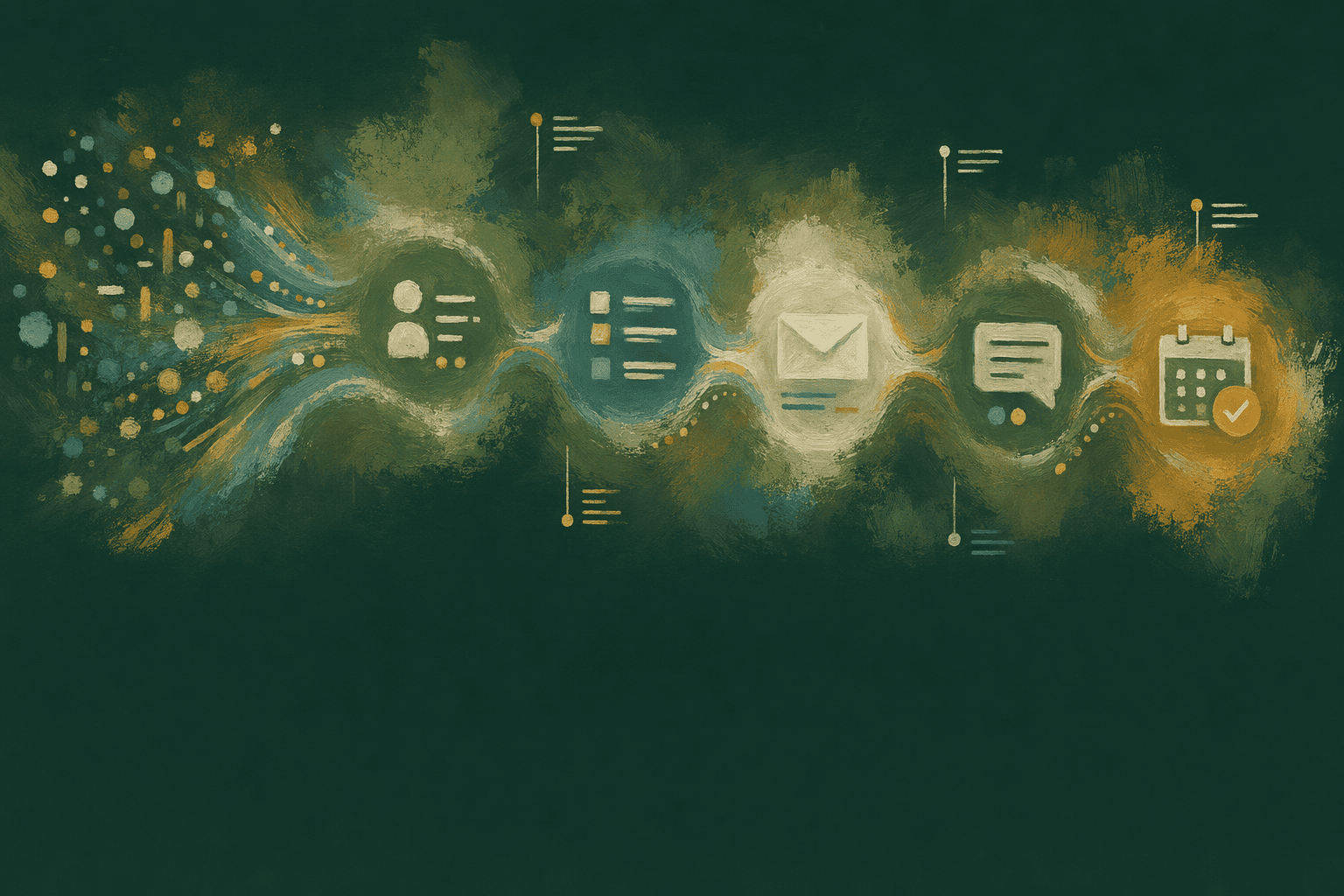
An AI agent for post-sales is a write-capable execution layer that monitors customer signals in real time, drafts interventions grounded in connected data, and routes tasks into team queues without manual triage. Unlike a dashboard that surfaces alerts for a CSM to review and act on, an agent executes cross-system workflows autonomously, updating CRM fields, drafting emails, creating support tickets, and scheduling follow-ups, while citing every claim back to the source system that triggered it.
Real-Time Signal Monitoring and Automated Playbook Triggering
Agents monitor product usage drops, NPS declines, support escalations, and engagement trends across every account, triggering playbooks the moment a threshold is crossed. When an account's health score shifts from Sustain to Protect, the agent launches a rescue playbook, drafting a retention email with usage context, flagging the account for CSM review, and updating the CRM opportunity stage, without waiting for a human to notice the signal. Platforms like Quivly AI surface and act on churn risks and expansion signals, pulling from CRM, support tickets, billing events, and usage telemetry in one query while dashboards require tab-switching across systems.
Write-Capable Actions: Drafting, Routing, and Updating Systems
Agents execute cross-system writes grounded in live account data. An AI Insights node can summarize, extract, classify, or draft using the customer's actual usage history, CRM notes, and support context. When a milestone is reached, first API call completed, integration error resolved, usage threshold crossed, the agent drafts a personalized email template, creates a task in the CSM's queue with full context, and logs the event in the CRM, all autonomously. Quivly builds one live profile per account with no warehouse project required, so agents pull from the same unified record every time they act.
Citation Back to Source Systems: Preventing Hallucination in Account Briefs
Every claim in an agent-drafted brief cites back to the source system that provided the data, CRM fields, support ticket timestamps, usage telemetry events, or call transcripts. When confidence is low, because data is incomplete or contradictory signals exist, the agent flags the section for human review before sending. This review-before-send safeguard aligns with NIST AI RMF principles, ensuring the CSM verifies uncertain inferences rather than letting the agent send unsupported outreach. Agents never invent metrics; they only summarize data they can point to in connected systems, and they flag low-confidence signals explicitly so teams maintain control over customer-facing communication.
This architectural distinction, read-only aggregation versus write-capable orchestration, defines the fundamental divide between dashboards and agents.
The Capability Gap: Read Vs. Write Access
Read-Only Architecture: Single-Pane Aggregation Without Action
Customer success dashboards aggregate usage telemetry, health metrics, and support ticket volumes into unified views, but they stop at visibility. A canonical example is Microsoft's Omnichannel Summary dashboard, which provides end-to-end reporting of metrics, escalation rate, deflection rate, engagement rate, abandon rate, filtered by duration, channel, queue, or conversation status. The dashboard surfaces the KPIs and percentage changes over time, yet it outputs no automated actions. CSMs must interpret the churn risk score, then tab out to CRM to update the opportunity stage, draft an email in a separate tool, and manually schedule a follow-up. Dashboards aggregate usage telemetry and health metrics but require CSMs to interpret and act, the system presents all data in one view, but every intervention remains a manual handoff.

Write-Capable Architecture: Cross-System Action Orchestration
AI agents close the action gap by writing to CRM, support tools, email, and calendar in a single workflow. When an agent detects a churn signal, declining product usage, unanswered support tickets, or a health score drop, it updates the CRM opportunity stage, drafts a retention playbook email, and routes a calendar invite to the CSM's queue without manual tab-switching. Research from MIT demonstrates that autonomous agents can unlock 2 to 10× productivity gains, but only when workflows are reengineered around agent-centric orchestration rather than layered onto current, human-centric processes. Quivly agents update CRM opportunity stages and draft email templates in the same workflow, no manual copying between tabs. The shift from reactive to proactive moves the intervention upstream: instead of waiting for a CSM to notice the risk and act, the agent drafts the save-play email to a champion, a heads-up DM to the AE, or a 30-minute exec sync invite the moment the signal fires.
The capability gap becomes clearest when mapped to real customer success workflows where manual orchestration delays revenue-critical interventions.
Real Workflow Examples Where Agents Close the Loop
Churn Prevention Workflow: Health Score Drop Detection
Dashboard workflow: health score drops → CSM reviews → CSM drafts email → CSM logs in CRM. Agent workflow moves teams from reactive to proactive: health score drops → Quivly agent drafts email citing usage decline and recent support tickets → agent routes draft to CSM queue for review and send. The CSM reviews context and sends in under two minutes rather than spending 30 minutes correlating signals across tabs.

- Dashboard path: Health score alert fires → CSM opens account record → CSM reviews usage, support history, NPS → CSM drafts intervention email → CSM logs task in CRM (total 30-45 minutes).
- Agent path: Health score alert fires → Quivly agent drafts email with inline citations to usage drop and support sentiment → CSM reviews and sends (total 2 minutes).
Expansion Signal Workflow: Usage Spike and Feature Adoption
Dashboard shows usage spike in advanced feature; CSM must research contract tier, confirm upsell fit, and draft proposal. Revenue leakage from delayed upsell outreach costs SaaS companies 1-5% of earned revenue. Quivly agents detect the spike, cross-reference CRM contract tier, draft upsell talking points grounded in actual feature adoption metrics, and schedule CSM follow-up automatically. One Quivly customer (Octolane) reduced expansion-response time from 48 hours to under 2 hours by auto-routing prioritized opportunities the moment usage crossed tier thresholds.
Renewal Pipeline Synthesis: Multi-System Data Aggregation
Dashboards require CSMs to manually correlate renewal pipeline signals, contract end dates in CRM, recent support sentiment in ticketing systems, usage trends in product analytics, NPS scores in survey tools, across separate tabs. Agents synthesize these signals into a single prioritized list with drafted interventions ready for CSM review. The daily post-sales workflow delta agents create: CSMs spend more time on strategic renewal conversations, less time on manual data correlation and spreadsheet segmentation.
Despite agent advantages in workflow automation, dashboards retain distinct value in contexts where visual aggregation and human judgment take priority over execution speed.
When You Still Need a Dashboard
Dashboards remain the optimal layer for executive reporting, high-touch strategic account management, and visual KPI aggregation. Where AI agents execute workflows, routing alerts, drafting outreach, updating health scores, dashboards surface trends for human strategy decisions.

Executive Reporting and Visual KPI Aggregation
Board decks, QBRs, and executive overviews demand static snapshot reporting: quarterly NRR trends, segment health distribution, expansion pipeline by cohort. Dashboard-centric platforms excel when stakeholders need visual trend summaries rendered for strategic review, not live intervention drafts.
High-Touch Strategic Account Management
CSMs managing enterprise accounts during pricing negotiations, C-suite relationship cycles, or custom contract renewals need full context visibility and manual judgment. Dashboards provide the consolidated view, CRM timeline, support ticket history, usage analytics, call transcript summary, that informs human-led strategic conversations agents cannot automate.
Agents and Dashboards as Complementary Layers
The Gainsight AI guide frames the relationship clearly: AI handles routine playbook execution for transactional workflows while dashboards provide the visual KPI layer for human strategy sessions. Teams using Quivly AI for agent-driven rescue playbooks and onboarding automation often maintain a dashboard (Gainsight, Totango, or similar) for executive reporting and board decks. Agents close workflow loops; dashboards surface trends for strategic decisions.
Agents are not a headcount replacement, they handle repetitive orchestration tasks (routing, drafting, updating) so CSMs can focus on strategic conversations, not reduce team size.
Conclusion
Traditional CS platforms like Gainsight, ChurnZero, and Totango excel at visual health score dashboards and executive reporting but require CSMs to orchestrate every intervention manually. Quivly AI agents automate playbook execution and task routing while preserving human review gates. Dashboards suit teams managing fewer than 50 accounts where manual orchestration overhead is acceptable; agent platforms deliver ROI when scaling beyond 100 accounts or reducing time-to-intervention from days to hours.
As post-sales teams scale account portfolios without proportional headcount growth, the read-only dashboard model will increasingly bottleneck revenue retention, agent-driven execution layers will become the standard for high-velocity CS motions by 2027.
Explore how Quivly AI agents draft interventions and route tasks across your CRM, support tools, and email, no warehouse project required. See agent-driven workflows in action, not as a dashboard replacement but as the execution layer that closes the loop dashboards cannot.
Frequently Asked Questions
Dashboards aggregate usage telemetry and health metrics but require CSMs to interpret and act. AI agents are write-capable execution layers that draft interventions, update CRM fields, and route tasks into existing queues without manual triage. The divide is architectural: read-only visibility versus cross-system orchestration.
No, agents and dashboards serve complementary roles. Agents execute workflows like drafting emails, updating CRM, and routing tasks, while dashboards provide visual KPI aggregation for executive reporting, board meetings, and strategic account oversight. AI handles routine playbook execution; dashboards surface trends for human strategy decisions.
Every claim in an agent-drafted brief cites back to the source system, CRM fields, support ticket timestamps, usage telemetry events. When confidence is low due to incomplete or contradictory data, the agent flags the section for human review, following NIST AI RMF governance principles for human-in-the-loop safeguards.
Churn prevention (agent auto-drafts retention email when health score drops), expansion signal routing (agent detects usage spike and drafts upsell talking points), and renewal pipeline synthesis (agent aggregates contract end dates, sentiment, usage into prioritized list). Manual workflow gaps cost SaaS companies 1-5% of ARR in revenue leakage.
Agents shift oversight from manual orchestration, CSM tabs between systems, drafts email, logs action, to review-before-send verification. Dashboards require oversight at every step; agents require oversight at the final approval gate, reducing orchestration burden while maintaining accuracy through human-in-the-loop governance agentic profiles.
Agents pull from CRM (contract data, renewal dates), support tools (ticket sentiment, resolution time), usage telemetry (feature adoption, login frequency), and email (engagement trends) in a single query. Quivly builds one live profile per account with no warehouse project or engineering ticket required, while dashboards present sources in separate tabs requiring manual correlation.
Dashboards remain optimal for executive reporting and board presentations requiring visual KPI trends, high-touch strategic account management (pricing negotiations, C-suite relationships) requiring full human judgment, and teams with <50 accounts where manual orchestration overhead is manageable. Dashboards surface trends for human strategy decisions where visual aggregation outweighs execution speed.


